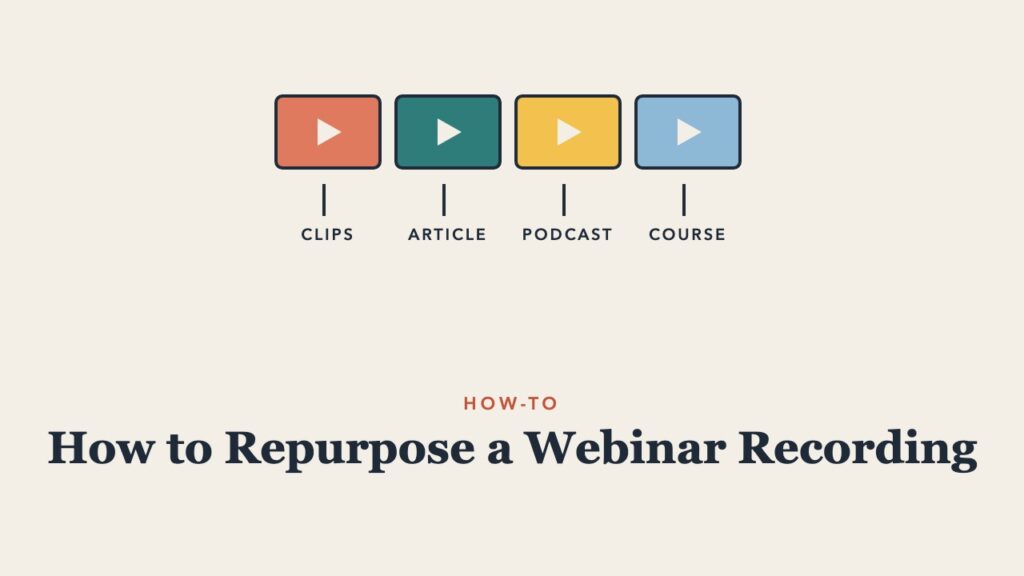
A one-hour webinar takes days to plan, promote, and deliver, and then the recording often sits in a folder that nobody opens. With a simple process, one recording can become a dozen useful pieces of content that reach far more people than the live session did. This guide explains how to repurpose a webinar recording, step by step, for educators, trainers, and organizations.
Why Repurpose a Webinar Recording?
- Most people miss the live session. Many registrants never attend live, and some only want the recording.
- Different people prefer different formats. Some watch, some read, some listen, some skim.
- Evergreen content keeps working. A good session can attract viewers and readers for years.
- It saves time. Creating content from a recording is faster than starting from scratch.
Step 1: Get a Clean Recording and Transcript
Record in the highest quality your platform allows, with separate audio if possible. Afterward, download the video and generate a transcript. Most platforms create one automatically, and AI transcription tools are accurate and inexpensive. Correct names and key terms in the transcript, since everything else builds on it.
Step 2: Edit the Full Recording
Trim the waiting time at the start, technical problems, and housekeeping. Add a title card and chapter markers so viewers can jump to sections. Add captions, which help accessibility and keep viewers watching on mute. Post the edited recording on your website, learning platform, or YouTube channel with a clear title and description.
Step 3: Turn the Recording Into Other Formats
| Format | How to make it | Best for |
|---|---|---|
| Short video clips | Cut 30 to 90 second segments with one idea each | Social media, email, course intros |
| Article or blog post | Turn the transcript and outline into a written guide | Search traffic and readers who skim |
| Summary or key takeaways | List the five to seven main points | Follow-up emails and newsletters |
| Slide deck | Share the slides with notes, if appropriate | People who want a reference |
| Podcast episode | Publish the audio with a short intro | Commuters and listeners |
| FAQ page | Collect audience questions and answers | Support and search |
| Quote graphics | Pull memorable lines from the speaker | Social media |
| Course module | Add activities and reflection questions | Training programs and onboarding |
| Discussion guide | Write questions for teams to discuss after watching | Team learning and lunch and learns |
Step 4: Use AI Tools Carefully
AI tools can speed up repurposing: drafting summaries from a transcript, suggesting clip moments, writing captions, and turning a talk into an outline for an article. Treat AI output as a first draft. Check facts, keep the speaker’s voice, and make sure any article adds structure and value rather than simply copying the transcript. Get the speaker’s permission before publishing their content in new forms.
Step 5: Follow Up With Attendees and Registrants
Send the recording within 24 hours with a short summary, links to resources mentioned, and one clear next step. Send registrants who did not attend a slightly different message that highlights the key takeaways. Later, share clips and the written article in your newsletter.
Step 6: Build a Library
Over time, recordings become a valuable library. Organize them by topic, add short descriptions, and make them easy to search. That is how many universities and organizations now share their best talks, and it is the idea behind our own video library of university lectures and talks.
A Simple Repurposing Checklist
- Edited recording with captions and chapters
- Corrected transcript
- Follow-up email with summary and resources
- Three to five short clips
- One article based on the session
- FAQ from audience questions
- A discussion guide for teams
Planning the next session? Our guides on how long a webinar should be and webinar engagement ideas will help, and Webinar vs. Webcast vs. Virtual Event explains which format to choose.
One of the most valuable ways to reuse a recording is to build it into a course. See how to turn a webinar into an online course.
Related guides: webinar follow-up email templates. See also: best webinar platforms for educators and trainers and best online course platforms for educators and trainers.
Frequently Asked Questions
Should you share the full webinar recording?
Usually yes, with registrants at minimum. Many organizations also publish it openly to reach new audiences.
How long should webinar clips be?
Thirty to ninety seconds for social media. Three to eight minutes for topic segments on a website or course.
Can I turn a webinar into a blog post?
Yes. Use the transcript and outline as raw material, then edit it into a structured article with headings and examples rather than publishing the transcript as is.
Do I need permission to repurpose a recording?
Get written permission from speakers and let attendees know the session is recorded. If attendees appear on camera or speak, check your organization’s policy before sharing clips.
A recording is most valuable when the live session was worth watching. The business storytelling training workshop at InnovationTraining.org helps presenters build talks that people want to share.