Every meeting and workshop has moments when a good point comes up at the wrong time. Ignoring it frustrates the person who raised it; discussing it derails the agenda. The parking lot solves this. This guide explains what a parking lot is in a meeting, how to use one well, and how to make sure parked items do not disappear.
What Is a Parking Lot in a Meeting?
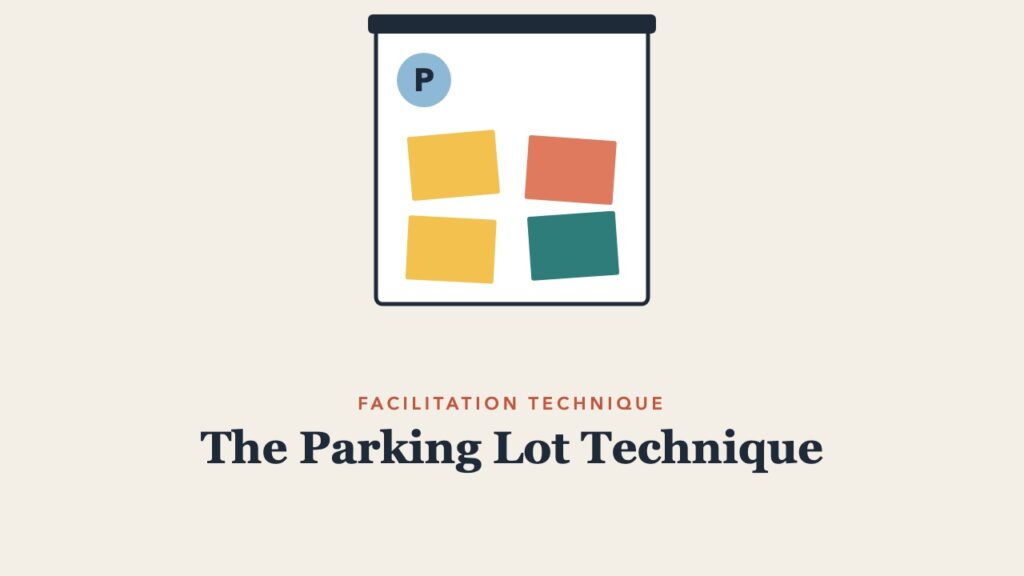
A parking lot is a visible list, on a flip chart, whiteboard, or shared document, where a facilitator records questions, ideas, and issues that are important but off-topic for the current discussion. Parked items are reviewed at the end of the session and either addressed, assigned an owner, or scheduled for later.
Why Use a Parking Lot?
- Keeps the meeting on its agenda and on time
- Shows people their contributions were heard, even when not discussed now
- Gives the facilitator a polite, neutral way to redirect
- Captures ideas that might otherwise be lost
How to Use a Parking Lot
- Set it up before the session. Label a flip chart or a section of the online whiteboard “Parking Lot.”
- Explain it at the start. “If something important comes up that is off-topic, we will put it here and come back to it before we finish.” Include it in your ground rules.
- Park items respectfully. “That is an important question. Can we park it so we can finish this decision first?” Write it in the person’s words.
- Let participants add items. Give people sticky notes so they can park their own questions without interrupting.
- Review before closing. Save 5 to 10 minutes at the end. For each item, decide: answer now, assign an owner and date, schedule for another meeting, or drop it by agreement.
- Follow up. Include parking lot items and owners in the meeting notes. See how to take meeting notes.
What Belongs in the Parking Lot
| Park it | Do not park it |
|---|---|
| Valid issues outside today’s scope | Questions needed to make today’s decision |
| Detailed questions only a few people care about | Concerns that block progress |
| New ideas for future work | Clarifying questions that take 30 seconds |
| Topics needing people who are not present | Emotional reactions that need acknowledging now |
Parking Lot Variations
- Issue bin: the same idea with a different name.
- Question board: a parking lot only for questions, common in training.
- Idea garden: a positive spin for ideas the team may grow later.
- Online parking lot: a pinned chat message, a shared document, or a whiteboard frame. Ask a co-host or scribe to capture items.
Mistakes to Avoid
- Never reviewing it. If parked items vanish, people stop trusting the parking lot and start pushing their points during the meeting.
- Using it to shut people down. Parking a hard question to avoid it damages trust.
- Parking too much. If half the discussion is parked, the agenda may be wrong.
Related guides: workshop roles, dot voting, check-in and check-out questions, and workshop agenda examples.
Frequently Asked Questions
Who manages the parking lot?
Usually the facilitator, or a scribe if the group has one. In large sessions, a co-facilitator can watch the chat and capture items.
What is the parking lot technique in training?
In training, the parking lot is mainly a place for learner questions that will be answered later in the course or after the session.
What happens to items that nobody owns?
Ask the group whether the item still matters. If no one will own it, agree to drop it and record that decision.